Players can participate in a variety of titles, including Counter-Strike: Global Offensive, Dota 2 and Rainbow Six Siege on the FACEIT online competitive gaming platform. To take part in the platform’s competitions and tournaments you must have a FACEIT account.
What are the steps to create FACEIT account?
The procedure of opening a FACEIT account is simple and only requires a few steps. To create and use a FACEIT account follow these steps:
- Visit the FACEIT website: The first step in opening an account on FACEIT is to go there. You can do this by either going directly to the website or by putting “FACEIT” into the search bar of your computer browser.
- When you are on the FACEIT website, look for the “Sign Up” button in the top-right corner of the page and click it. To start the sign-up procedure click on it.
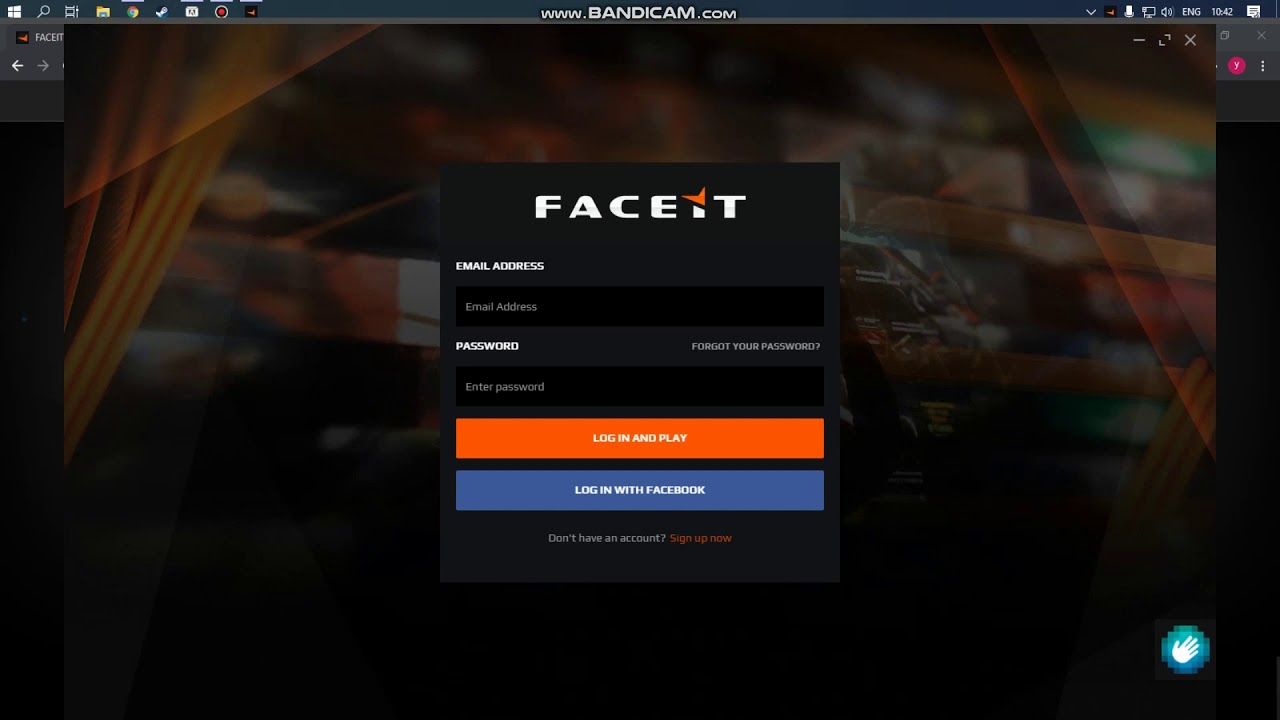
- Enter your details here: You’ll need to give some basic information like your name, email address and date of birth, if you’re joining up using your email address. Additionally you must come up with a password for your account.
- Confirm your email address: FACEIT will send you an email to confirm your email address after you’ve input your information. To finish the sign-up procedure and verify your email address, click the link in the email.
- Create your profile: You’ll be sent to your FACEIT profile page after confirming your email address. By including a profile photo, contact information and other facts you can set up your profile here.
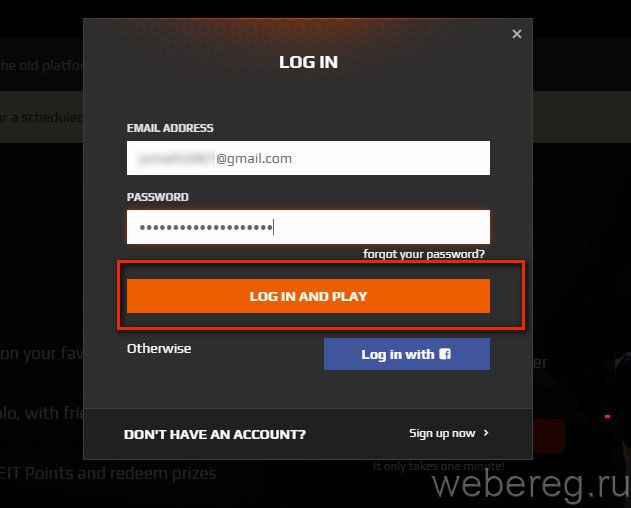
- Begin playing: After setting up your account, you can begin playing games on FACEIT. Enter tournaments and contests by selecting the game you want to play from the “Games” tab on the top navigation bar.
Those are the basic steps for setting up and using a FACEIT account. Remember that there are various FACEIT accounts tiers from free to premium. Additional advantages include access to special events and tournaments and the capacity to accumulate extra prizes for premium accounts.